A barcode scanner that works well at a quiet counter can become a bottleneck during a busy evening rush. For businesses choosing a barcode scanner for retail UAE, the useful starting point is not the brand name. It is where the scanner will be used: at a fixed POS counter, around the shop floor, or in the stockroom.
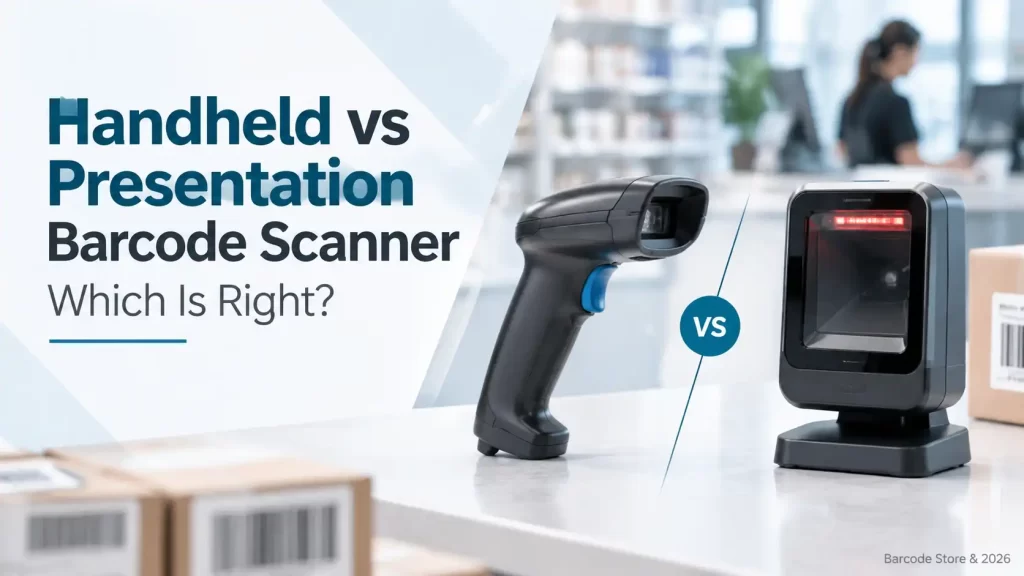
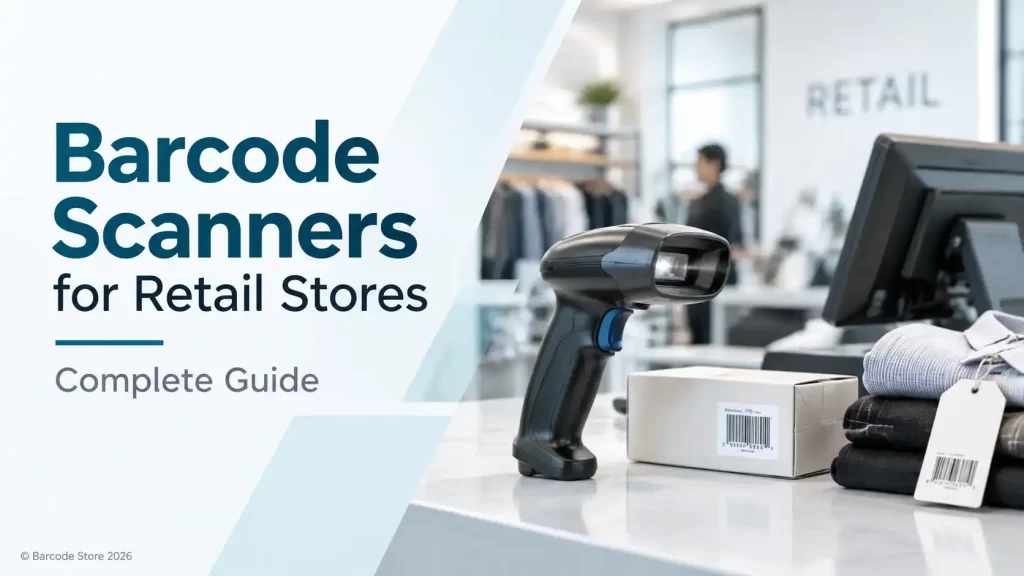
For most retail stores, a 2D handheld scanner with USB connectivity is the sensible baseline. It reads standard linear product barcodes, can handle QR codes and other 2D codes, and gives staff enough flexibility to scan items in baskets, on lower shelves or from delivery cartons. A presentation scanner is usually the better fit for a fixed, high-volume checkout where the operator scans item after item in the same spot.
The right choice should feel uncomplicated in daily use. The scanner needs to read the codes the business actually receives, connect cleanly to the POS system, and remain comfortable through a full shift.
Choosing a barcode scanner for retail UAE operations
Retail scanning is rarely one single job. A convenience store may scan products at the till and count shelf stock after closing. A fashion retailer may need to scan small swing tags, transfer labels and QR codes from a phone screen. A supermarket counter may need fast hands-free scanning for a continuous queue.
That is why the first question should be: where will the scanner spend most of its time?
| Retail task | Practical scanner type | What to prioritise |
|---|---|---|
| Fixed checkout counter | Presentation scanner | Fast hands-free reads, stable counter placement and compatibility with the POS |
| General checkout and shop-floor work | Handheld 2D scanner | Comfortable grip, reliable trigger and reading of printed and screen-based codes |
| Stockroom receiving and cycle counts | Handheld wired or Bluetooth scanner | Mobility, durable handling and reading labels on cartons and shelves |
| Occasional counter scanning | USB barcode scanner | Simple setup and a practical cable length for the workstation |
A store does not always need separate hardware for every task. A good handheld retail barcode scanner can cover checkout and stockroom work where volume is moderate. It becomes less suitable when staff need to scan hundreds of items at a fixed counter without picking up the scanner each time.
Handheld versus presentation scanners
Handheld scanners suit mixed retail work
A handheld scanner is the more flexible option. The operator can bring it to the barcode rather than bringing every item to a fixed scanning zone. That matters for bulky detergent packs, fragile products, items kept in a display basket and cartons received at the back door.
For a small or mid-sized retailer, a handheld 2D retail scanner is often the practical starting point. It can serve a POS counter during the day, then move to inventory counting or shelf checks when needed. The compromise is that staff must aim and trigger it, which is slower than hands-free scanning during a constant checkout rush.
Presentation scanners suit busy fixed counters
A presentation scanner sits on the counter and reads an item as it is passed through its scanning area. It suits pharmacies, groceries, bakeries, specialty food stores and other outlets with a steady flow of smaller products.
It is not automatically the right answer for every till. A presentation scanner takes counter space and works best where product labels can be brought comfortably in front of it. For large cartons, awkwardly shaped products or counters that also handle stock work, a handheld scanner may still be more useful.
1D and 2D barcode compatibility
Many retail products still use 1D linear barcodes, the familiar pattern of vertical lines found on packaged goods. If a store only receives those codes and never scans QR codes, a 1D scanner can do the job. But buying a 1D-only device can be a false economy if the business later needs to scan QR codes, digital coupons, return labels or codes displayed on a customer phone.
A 2D scanner reads both 1D and 2D symbols, depending on the barcode quality and the scanner model. It is generally the more flexible choice for new retail purchases. This does not mean every store needs premium scanning hardware; it means the reader should match the codes that appear at the counter and in the stockroom.
- Choose 1D-only scanning when all product, shelf and carton codes are confirmed as standard linear barcodes and the budget is tightly controlled.
- Choose 2D scanning when QR codes, screen-based codes, digital vouchers, mobile loyalty codes or mixed supplier labels are part of the workflow.
- Test difficult labels if the store handles glossy packaging, very small barcodes, faded thermal labels or labels that become scratched during handling.
Barcode quality still matters. A scanner cannot reliably compensate for a label that is badly printed, smudged or placed around a tight curve. Retailers producing their own shelf, carton or return labels should check print quality before assuming the scanner is the issue.
Selecting a scanner for checkout and stock work
A retail barcode scanner should be selected around the actual codes, counter layout and POS connection. Barcode Store UAE can help compare a retail barcode scanner UAE option with a dedicated POS barcode scanner if the store needs one device for mixed tasks or separate devices for checkout and inventory.
USB, Bluetooth and POS connectivity
Connectivity is often decided too late. A scanner may be physically suitable yet cause problems if it does not fit the available POS connection or the way staff work.
USB barcode scanners
A USB barcode scanner is usually the simplest route for a fixed POS workstation. It connects by cable and, depending on the POS software and scanner configuration, commonly behaves like a keyboard by sending the scanned barcode data into the active field. This is a practical choice for a cashier station where the scanner stays at one terminal.
The limitation is obvious: the cable limits movement. It is not ideal for staff who need to walk along shelves, receive deliveries away from the computer or scan stock in a larger Dubai shop or warehouse area.
Bluetooth scanners
Bluetooth is useful where the operator needs room to move around the counter, a rack or a stockroom. It can be helpful for inventory counting, receiving and scanning larger items that cannot be brought close to the POS terminal.
Wireless use brings a few checks. The business should confirm pairing behaviour, charging arrangements, working distance in the actual premises, and compatibility with the device or POS application. A Bluetooth scanner is not automatically more convenient if it spends most of the day on a counter next to a computer; a wired unit may be simpler and less likely to be misplaced.
POS compatibility needs a real-world check
Before ordering, the buyer should confirm the operating system, available ports, POS software and intended barcode format. If scanning into a tablet, phone or browser-based POS, the expected connection method should be checked first. It is better to clarify this before installation than to find out at opening time that the POS expects a different input method.
Scanning performance and ergonomics
Scanning speed is not only about technical capability. It is also about how easily an operator can locate the barcode, aim the scanner and get a successful read without repeating the motion. At a checkout, a scanner that reads common labels quickly and predictably is more valuable than a feature list that never affects daily work.
For handheld devices, consider weight, grip shape, trigger feel and the angle at which staff naturally hold the scanner. A cashier scanning all day will notice an awkward grip. In a stockroom, a scanner may be passed between employees, knocked against a trolley or used while holding a carton, so practical handling matters more than a polished appearance.
Reading distance should match the job. Close-range scanning is fine for a till counter. Stockroom staff scanning labels on high shelving or deep cartons may need a different working range, depending on the model and label size. It is sensible to describe the furthest normal scan rather than assume every scanner works comfortably at every distance.
Where Zebra, Honeywell and Datalogic fit
Zebra, Honeywell and Datalogic are all relevant names for retail scanning, but the brand should follow the workflow rather than lead it. Each offers scanner options used in retail and operational environments, with the appropriate choice depending on connectivity, barcode types, handling conditions and the POS setup.
A Zebra option may suit a retailer already standardising its operational hardware around that brand. Honeywell is worth considering where the priority is dependable everyday retail or stockroom scanning. Datalogic is also a sensible brand to assess for fixed counter and handheld applications. The useful comparison is between the specific scanner category and intended task, not a blanket claim that one brand is right for every store.
For a fixed counter, ask about a POS barcode scanner suited to hands-free use. For receiving and stock checks, an inventory scanner with the needed mobility is usually a better fit. A 2D retail scanner is the safer choice where QR codes and phone-based codes are likely to appear.
Common buying mistakes
- Buying 1D-only hardware without checking future barcode use. Retailers increasingly encounter QR codes, return labels and screen-based codes.
- Choosing wireless just because it sounds more flexible. A USB barcode scanner is usually easier to manage at a fixed checkout.
- Ignoring label condition. Faded, glossy, creased or poorly positioned barcodes can cause read failures even with a suitable scanner.
- Using one scanner type for every location. A presentation scanner may suit the front counter, while a handheld inventory scanner is more practical in the stockroom.
- Not checking the actual POS setup. Confirm ports, operating system, application and data input expectations before purchase.
Frequently asked questions
What barcode scanner is suitable for a retail shop in the UAE?
For most shops, a wired 2D handheld scanner is a practical starting point because it covers standard product barcodes, QR codes and occasional stockroom work. A busy fixed checkout may benefit more from a presentation scanner.
Is a 2D scanner necessary for retail?
Not always, but it is usually the more flexible choice. A 2D scanner can read standard 1D barcodes as well as many QR codes and other 2D codes, which helps where mobile or digital codes are used.
Can a USB barcode scanner work with a POS system?
Often, yes. Many USB scanners send scanned data to the POS terminal as keyboard input. The buyer should still confirm compatibility with the specific POS software, computer or tablet before ordering.
Should a retail store buy a wired or Bluetooth scanner?
Choose wired USB for a fixed till where simplicity is the priority. Choose Bluetooth where staff need to scan shelves, cartons or larger products away from the workstation.
What is the difference between a presentation scanner and a handheld scanner?
A presentation scanner stays on the counter for hands-free scanning. A handheld scanner is picked up and aimed at the barcode, making it more flexible for shelves, bulky items and stockroom work.
The practical choice for most retailers
Start with the busiest task, not the longest feature list. A fixed high-throughput counter usually points to a presentation POS scanner. A store that needs checkout, receiving and stock counts from the same device will usually get more use from a handheld 2D scanner. If it will remain beside one terminal, USB is normally the sensible connection; if staff need to move, consider Bluetooth after checking the POS environment.
Need help matching the scanner to the counter?
Barcode Store UAE supplies barcode scanners for retail counters, stockrooms and inventory work across Dubai and the UAE. Share the barcode types, POS setup and where staff will scan, and the team can provide product guidance or a quotation without pushing a scanner that does not suit the job.